

Smart home automation installation is rapidly changing how homeowners control comfort, security, and energy use—yet most Americans entering this world quickly encounter hidden costs, missing features, and some surprising frustrations.
Here’s what every homeowner, DIYer, or renovator needs to know about transforming an average house into a fully automated Matter-compatible smart home (without the jargon or hype).
Key Takeaways
- Expect real-world smart home automation installation costs to far exceed basic kit prices due to labor, infrastructure, and long-term fees.
- No 2026 data tracks user complaints with Matter hubs, but common pitfalls still lurk—like legacy device integration and underestimated Wi-Fi needs.
- Critical details like ongoing subscription fees, adapter requirements, and realistic energy savings are missing from most top-ranking articles.
- Understanding Complete Smart Home Automation Installation
- Step-by-Step Guide to Smart Home Automation Installation
- Advanced Analysis and Real-World Pitfalls
- Conclusion
- FAQ
Understanding Complete Smart Home Automation Installation
A truly effective smart home automation installation blends hardware, software, and network upgrades—especially if you want to future-proof with open standards like Matter.
The core idea is integrating lighting, HVAC, security, media, and specialty devices so they work together through a unified hub, controllable by app and voice.
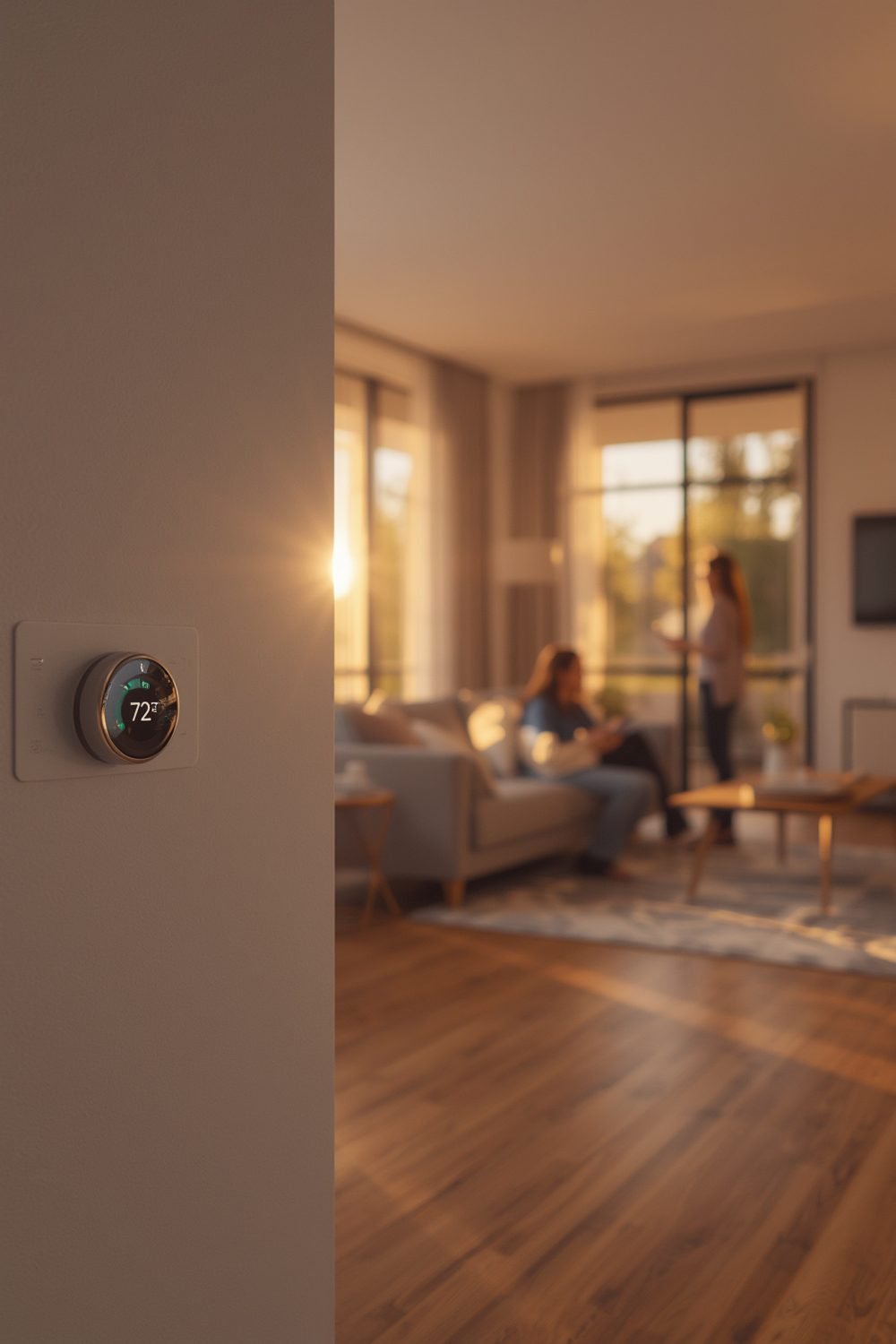
Why is this installation more than just plugging in smart bulbs? Matter-compliant automation aims for frictionless control across Apple, Google, Amazon, and Samsung, but this only happens when your ecosystem includes:
- Professional-grade wiring (for in-wall lighting, security, and sensors).
- Robust Wi-Fi plus Thread and Zigbee support—often needing new mesh routers.
- Quality hubs that can integrate both legacy and newest Matter devices.
Costs aren’t trivial: basic systems start at $2,000 to $4,000 for self-install, but professionally installed whole-home automation for a four-bedroom house reliably falls between $10,000 and $15,000. Luxury or highly customized setups can hit six figures.
If you plan on blending in specialty projects—think garage door upgrades, outdoor innovations, or specialty AV setups for brick walls—expect those costs to escalate.
Step-by-Step Guide to Smart Home Automation Installation
Ready for a realistic, headache-free install? Here are the steps that matter in 2026 (not just what the box says).
Before diving into the steps, it helps to understand why so many smart home projects stall halfway through. Most homeowners underestimate how much their existing wiring and network infrastructure affects the final result. A house built before 2010 will almost certainly need neutral wire upgrades for smart switches, and walls with dense insulation can block Zigbee or Z-Wave signals entirely.
Budget planning is equally important. Many buyers focus on the device cost and forget about the hub, the mesh router upgrade, and the professional electrician fees for hardwired sensors. Setting aside 30% more than your initial estimate is a reasonable buffer for most homes.
Finally, start small. Pick one room — ideally the living room or kitchen — and get it fully working before expanding to the rest of the house. This approach lets you learn the app, troubleshoot signal issues, and understand your hub’s limitations before committing to a whole-home installation.
- Assess Your Network Backbone: Audit your Wi-Fi with a phone app that maps dead zones. Most modern automation fails here. For stability, you may need a mesh system ($200-$500) before anything else.
- Plan for Voice Assistant Ecosystem: Decide if you’re primarily Amazon Alexa, Google Home, Apple HomeKit, or want a mix. This will dictate your Matter-compatible hub and which devices work locally versus in the cloud.
- Design Circuit Integration: Make a room-by-room sheet with lighting, outlets, sensors, HVAC controllers, and specialty needs (garage door, outdoor showers, AV mounts). Mark which are “nice to have” versus essential for your comfort.
- Calculate Hardware and Labor: Add up device costs. For example, full automation in a four-bedroom house can reach $15,000 (hardware, install), and labor for hardwired systems is roughly $85 per hour. Don’t forget extras like window film for energy management or HVAC module upgrades.
- Preconfigure & Bench-Test: Set up and update all hubs and devices on a workbench before in-wall installation. This step alone cuts call-backs and frustration.
- Install, Add Devices Incrementally: Physically install in rooms one at a time. Pair devices, update firmware, and confirm app/voice control before moving on.
- Document & Automate: Create a spreadsheet or digital floor plan with MAC addresses, device names, and assigned controls. Write “scenes” for common events (morning, away, bedtime).
- Schedule Regular Maintenance: Firmware updates, network password reviews, and hardware battery checks are often overlooked—but critical to smooth operation.
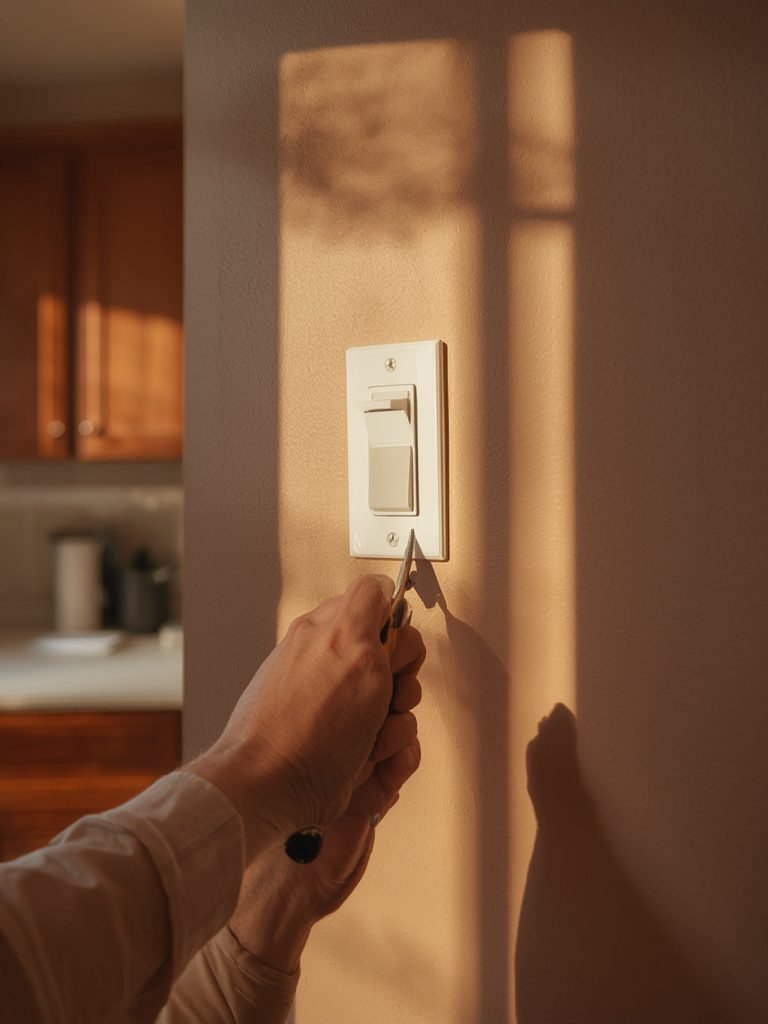
For specialty DIY needs—such as battery-powered kitchen lighting—choose devices with robust app support and easy-replace batteries for hassle-free upgrades.
Finally, don’t skip on reading device-specific setup reviews, even if there are few verified 2026 experiences.
Platforms can evolve rapidly, and a single firmware update can change everything overnight.
Advanced Analysis and Real-World Pitfalls
Searching for hidden “gotchas” or real complaints from 2026 smart home automation installs? Surprisingly, most review data for Matter systems is missing.
Yet, veteran installers and first-time buyers alike still report several sticking points:
- Ongoing Monitoring Fees: Security monitoring for Vivint and similar services add $30 to $53 per month for 36 months—very few top guides warn about this.
- Lack of Legacy Device Compatibility: Most articles gloss over the need for protocol bridges if you want to keep older Z-Wave, Zigbee, or non-Matter devices. This adds surprise costs and complexity.
- Unknown Energy Savings: While savings are promised, no audited 2025-2026 data shows real kWh or dollar reductions from automation alone. Energy “optimizing” modules may cost $1,130–$3,750 for wiring, but guarantees are few.
- No Clear Top-5 Starter Kits: As of 2026, there are no verified lists of top-rated, all-in-one Matter bundles on Amazon, so DIYers may gamble on incomplete solutions.
| Category | Entry-Level | Average Four-Bedroom | Luxury/Custom |
|---|---|---|---|
| Total Cost (2026) | $2,000–$4,000 | $10,000–$15,000 | Up to $150,000+ |
| Professional Install | $300–$5,000 | Included | Significant; $85/hr+ labor |
| Ongoing Subscriptions | Optional/$0–$180/yr | $360–$636/yr | Up to $1,000/yr |
| App/Hub Compatibility Warnings | Few, if using all one brand | Check each device for Matter/Thread | Special bridges/adapters needed |
| Long-Term Regret Reports (2026) | None found | None found | Unknown; insufficient data |
For a more energy-efficient, comfortable home, also consider “adjacent” upgrades beyond automation: orientation of ceiling fan direction for AC and installing outdoor pet-friendly areas to minimize climate-control spillover.
Conclusion
The reality of smart home automation installation in 2026 is this: costs are higher than marketing suggests, few user complaints or regret case studies are public, and “plug and play” rarely is.
You must plan for Robust Wi-Fi, ongoing fees, and non-obvious infrastructure tweaks.
Matching your system to your routines, energy goals, and comfort requirements always beats shopping by brand alone.
For a truly future-proof home, integrate carefully—and revisit this guide as real-world feedback for Matter certification finally trickles in.
Ready to make smart home automation installation actually improve your daily comfort and efficiency? Map your plan, budget for the real costs, and invest the time in careful, staged implementation.
Feel free to leave your installation hurdles or unique win stories below.
The homeowners who get the most out of smart home automation installation are those who plan carefully, phase their rollout, and stay patient through the learning curve. The technology rewards preparation far more than impulse buying
FAQ
How much does smart home automation installation cost in 2026?
Most professionally installed, full-home Matter-compatible setups range from $10,000 to $15,000 for average four-bedroom homes. Entry DIY kits can start at $2,000, while luxury installs may exceed $150,000.
These prices generally exclude ongoing fees for monitoring or subscription services.
Do Matter-certified devices really work together out of the box?
Interoperability is the goal, but you still need to ensure your hub supports every device and sometimes add bridges or adapters—especially if mixing old Z-Wave/Zigbee hardware. Always check the latest firmware version and app support.
What hidden or recurring costs should I expect?
Most guides don’t warn about required monitoring subscriptions (up to $53/month), bridge/adapters for legacy devices, or recurring costs from network upgrades. Budget for annual app/hub renewals as well.
Can I install a smart home automation system myself?
Yes, for basic systems—especially battery-powered devices or plug-in sensors. For in-wall wiring, retrofits, or integrating HVAC/security hardware, professional installation is strongly recommended to avoid code violations or reliability issues.
Is there any evidence of ROI or energy savings?
No independently audited reports confirm dollar or kWh savings as of 2026.
While smart thermostats and smart power management modules imply benefits, results depend on configuring and using automations properly.